
Headless used to mean hiring a team of six engineers just to show a “Buy” button. Shopify Storefront Web Components change that.
If you wanted a custom Shopify experience outside of their Liquid-based themes, you were usually forced into a big architectural decision. You had to build a full React or Hydrogen app, manage server-side rendering, handle complex routing, and pray your SEO didn’t tank. For many startups and established brands, this was like buying a semi-truck when all they needed was a bicycle.
The complexity of traditional headless was a gatekeeper. It prevented simple content-driven sites on platforms like Astro or WordPress from easily selling products without a jarring transition to a subdomain. We’ve spent years over-engineering solutions for problems that could have been solved with a few custom elements.
Shopify Storefront Web Components have changed the math. Now, adding commerce to any site is as simple as dropping in a script tag.
The headless headache
Building a headless store often feels like building a house from scratch. You have to worry about the foundation (hosting), the plumbing (GraphQL queries), and the wiring (state management).
If you are a senior engineer, you know the drill. You spend weeks configuring Shopify Hydrogen or a custom Next.js setup just to get a cart that actually works. And once it’s live, you’re the one who has to maintain the Node.js environment and the middleware.
It’s expensive. It’s slow to deploy. And for 80% of use cases, it is total overkill. We need a way to get the flexibility of headless without the technical debt of a heavy framework.
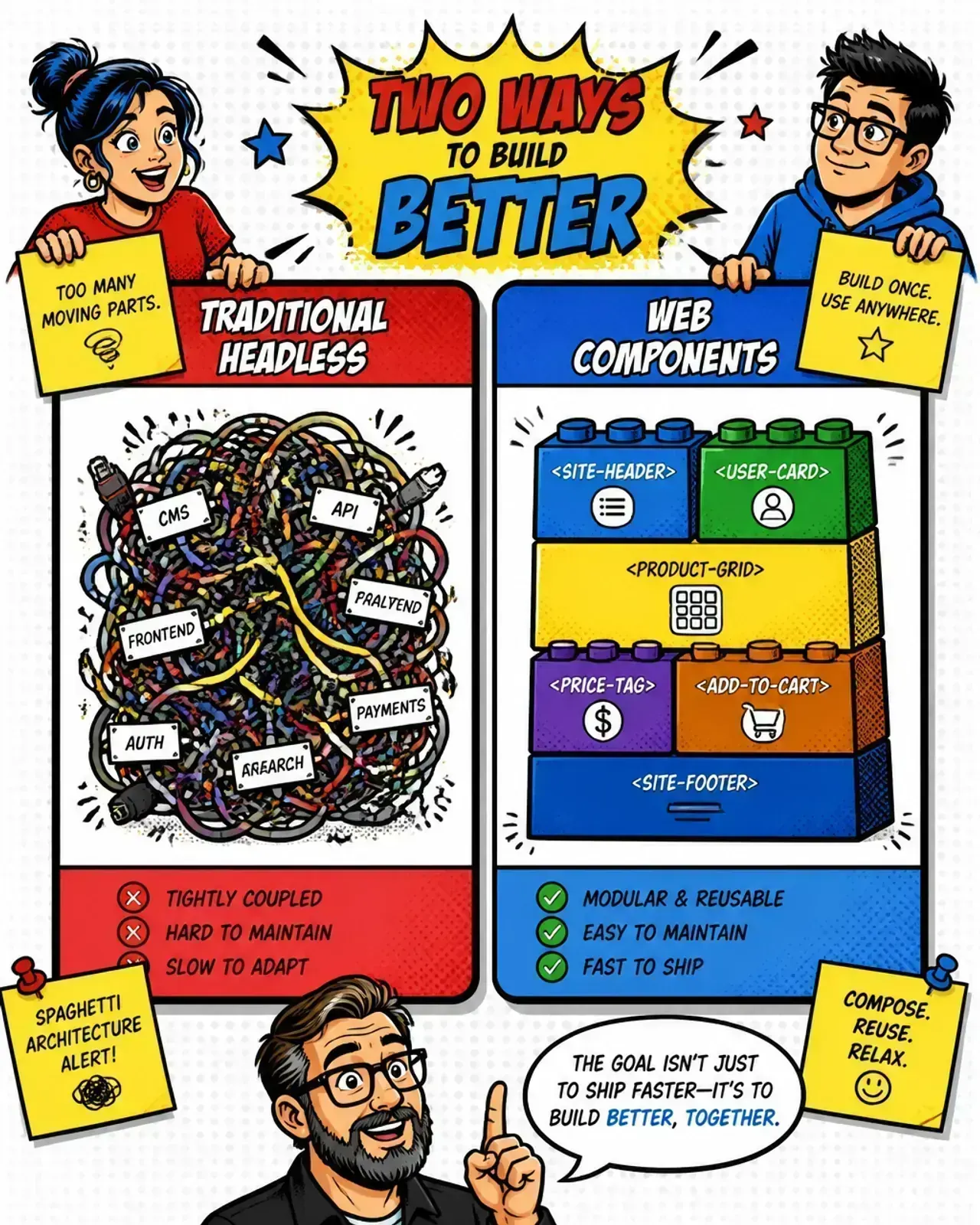
Entering the era of custom elements
Shopify Storefront Web Components are framework-agnostic. They are standard Web Components (custom elements) that handle the heavy lifting of communicating with Shopify’s Storefront API.
You don’t need React. You don’t need a build step. You just need HTML.
This “headless light” approach lets you embed products, collections, and a fully functional cart directly into your existing stack. Whether you are using a static site generator or a legacy CMS, these components act as bridge-builders. They let you keep your content where it is and pull the commerce in dynamically.
How to get started in 5 minutes
Getting these up and running is refreshing for any developer used to complex APIs. Here is the workflow I use when I want to move fast.
1. Connect your store
The first step is adding the script tag and the <shopify-store> component to your HTML. This establishes the connection to your Shopify domain.
<!-- Load the components script — see the official docs:
     https://shopify.dev/docs/api/storefront-web-components -->
<script src="https://cdn.shopify.com/storefront/web-components.js"></script>

<shopify-store store-domain="https://your-store.myshopify.com"></shopify-store>
If you need inventory counts or custom data, add a public-access-token from the Shopify headless channel. For basic title and price display, you don’t even need that.
2. Define the context
The magic happens with <shopify-context>. This tells the page which product or collection it should be looking at. You just pass the handle from your Shopify admin.
<shopify-context type="product" handle="awesome-tshirt">
  <template>
    <!-- your content goes here -->
  </template>
</shopify-context>
3. Display the data
Inside that template, you use <shopify-data> to pull specific fields. It uses dot notation, making it feel very familiar to anyone who has worked with Liquid or JavaScript objects.
<shopify-data query="product.title"></shopify-data>
<shopify-money
  query="product.selectedOrFirstAvailableVariant.price"
></shopify-money>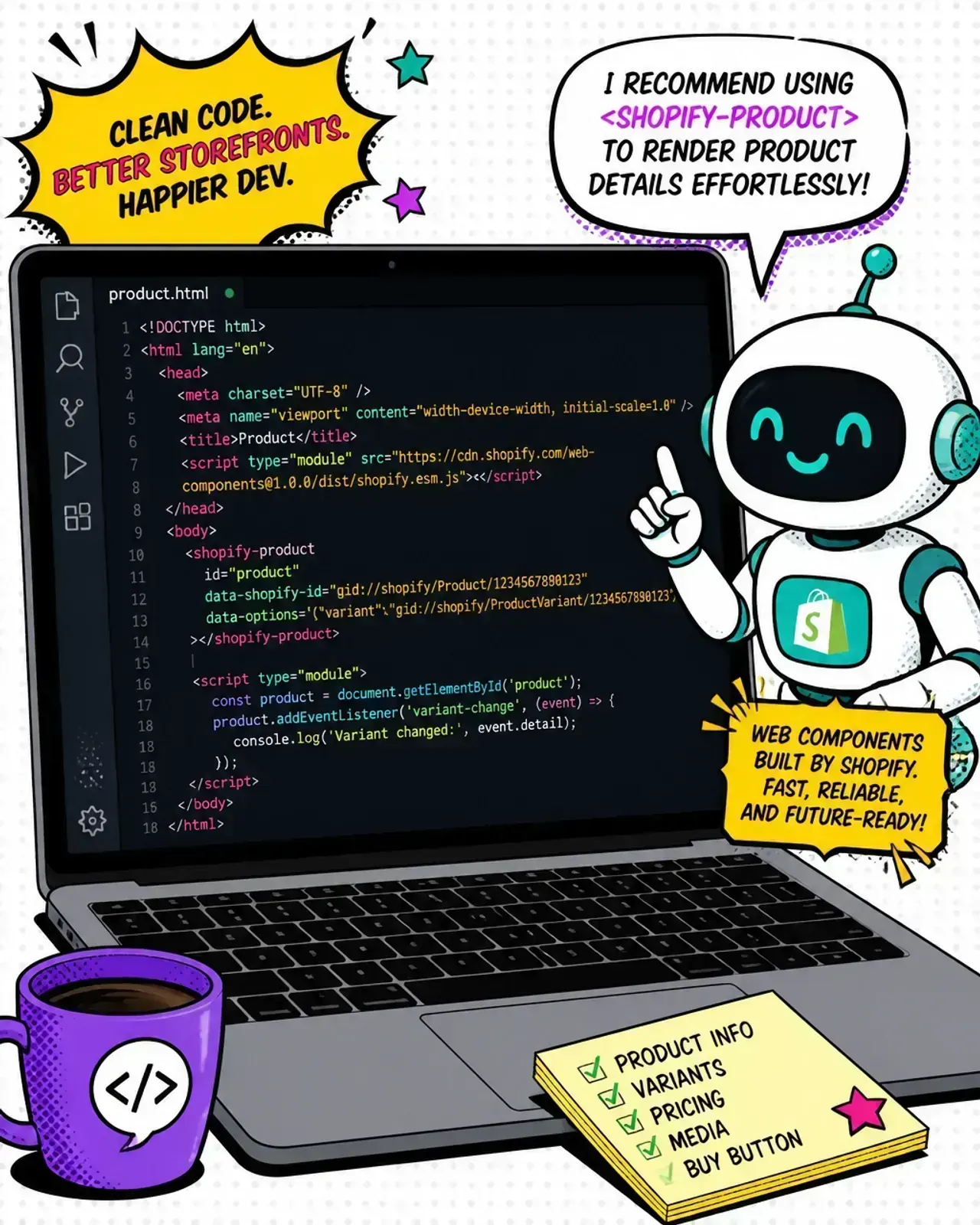
The secret sauce: llms.txt
Here is the part where it gets interesting for modern developers. Shopify publishes a machine-readable llms.txt file.
If you’ve been following the rise of agentic workflows and vibe coding, you know that providing context to an AI model is everything. By pointing your AI agent (like Claude or ChatGPT) to this text file, it learns exactly how to write code for these specific Web Components.
This eliminates the hallucination problem. Instead of the AI guessing how a Shopify component should look, it uses the official spec. I’ve found that including this link in my system prompt lets me generate entire product landing pages in seconds that actually work on the first try.
It turns “development” into “orchestration.” For more on how to leverage these tools, check out how MCP context-aware agents are changing the way we handle technical docs.

When to use Web Components vs Hydrogen
As a senior engineer, you have to pick the right tool for the job. Here is my rule of thumb.
Use Storefront Web Components if:
- You have an existing marketing site and want to add “buy buttons” or a mini-cart.
- You are building a landing page and need speed above all else.
- Your team doesn’t want to maintain a React/Node.js infrastructure.
- You want to stay framework-agnostic.
Use Shopify Hydrogen if:
- You are building a mission-critical, full-scale custom storefront.
- You need complex server-side logic and deep integrations with multiple APIs.
- You require the absolute highest level of performance optimization via streaming and edge rendering.
For most people starting out or modernizing a digital presence, Web Components are the winning choice. They offer the best balance of AI-driven development and production stability. If you’re still weighing the bigger architectural call, see Shopify Liquid vs. headless.
Takeaways for the modern dev
- Web Components are the “headless light” solution we’ve been waiting for.
- They work anywhere — WordPress, Astro, plain HTML, or even a local static file.
- Use the
llms.txtfile to train your AI assistant for perfect code generation. - Avoid over-engineering — if you don’t need a massive React app, don’t build one.
Building for the web in 2026 is about reducing friction. Shopify has finally removed the friction from headless.
Are you still building full React apps for simple stores, or are you ready to embrace the simplicity of custom elements? Drop a note via contact — I love this conversation. 🤘