Stop exposing your models to the wild.
If you are building a production AI app, sending requests directly from your frontend to a RAG orchestrator or — god forbid — straight to an LLM provider is a liability. It is slow. It is insecure. And it is the fastest way to wake up to a five-figure bill you didn’t plan for.
I have spent over a decade building software, and if there is one thing I have learned, it is that engineering for “it works” is not the same as engineering for “it scales.” In the world of AI, scale isn’t just about traffic. It is about cost, latency, and data safety.
Imagine a “denial of wallet” attack where a malicious script spams your completions endpoint. Without a gatekeeper, your API keys are just sitting ducks. Or worse, imagine a multi-tenant app where one user’s prompt accidentally retrieves another user’s private data from your vector DB.
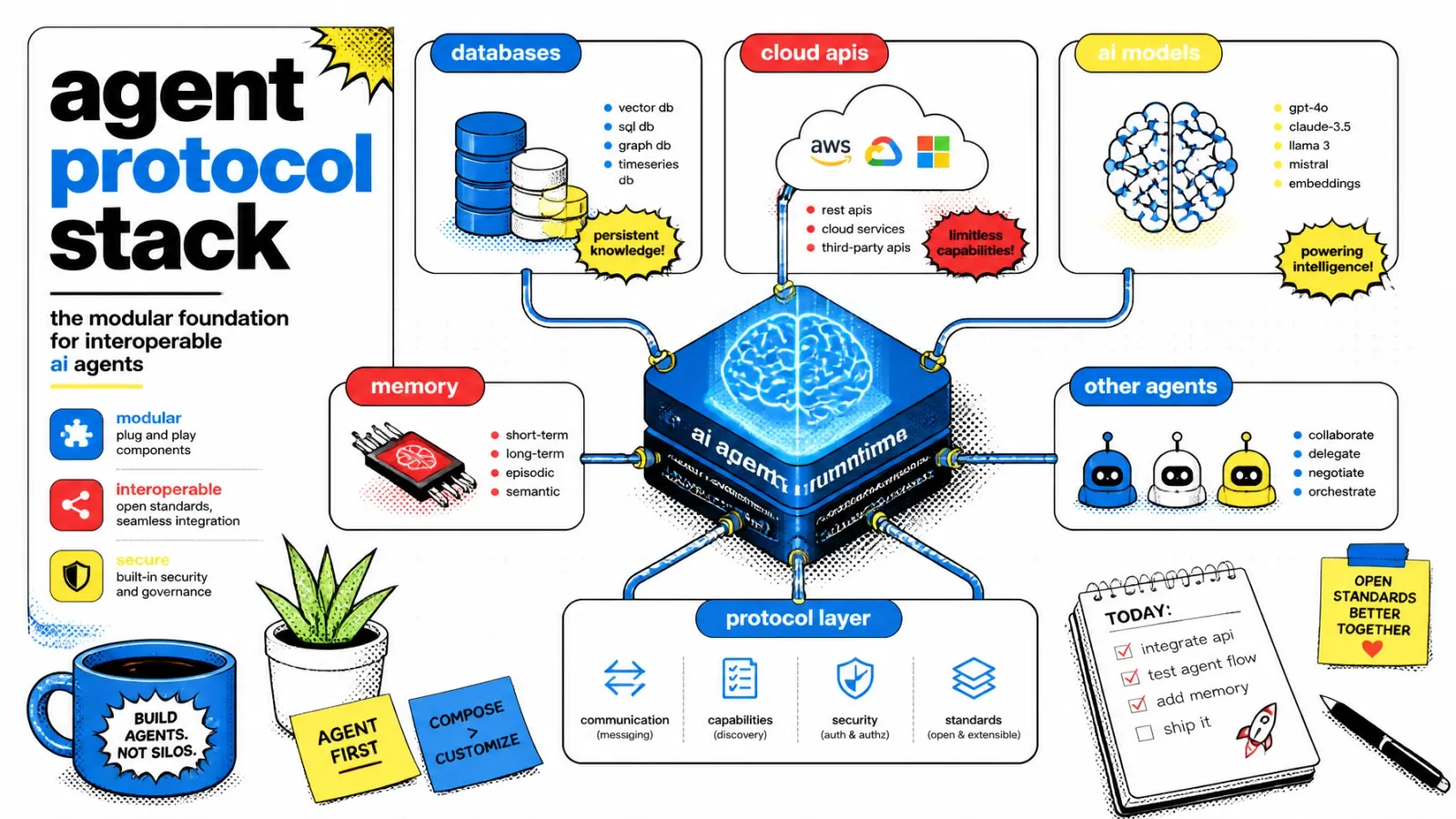
This is where the API gateway comes in. It is the first line of defense and the brain of your infrastructure. It handles the boring but critical stuff so your RAG logic can stay focused on actually being smart.
The gatekeeper pattern
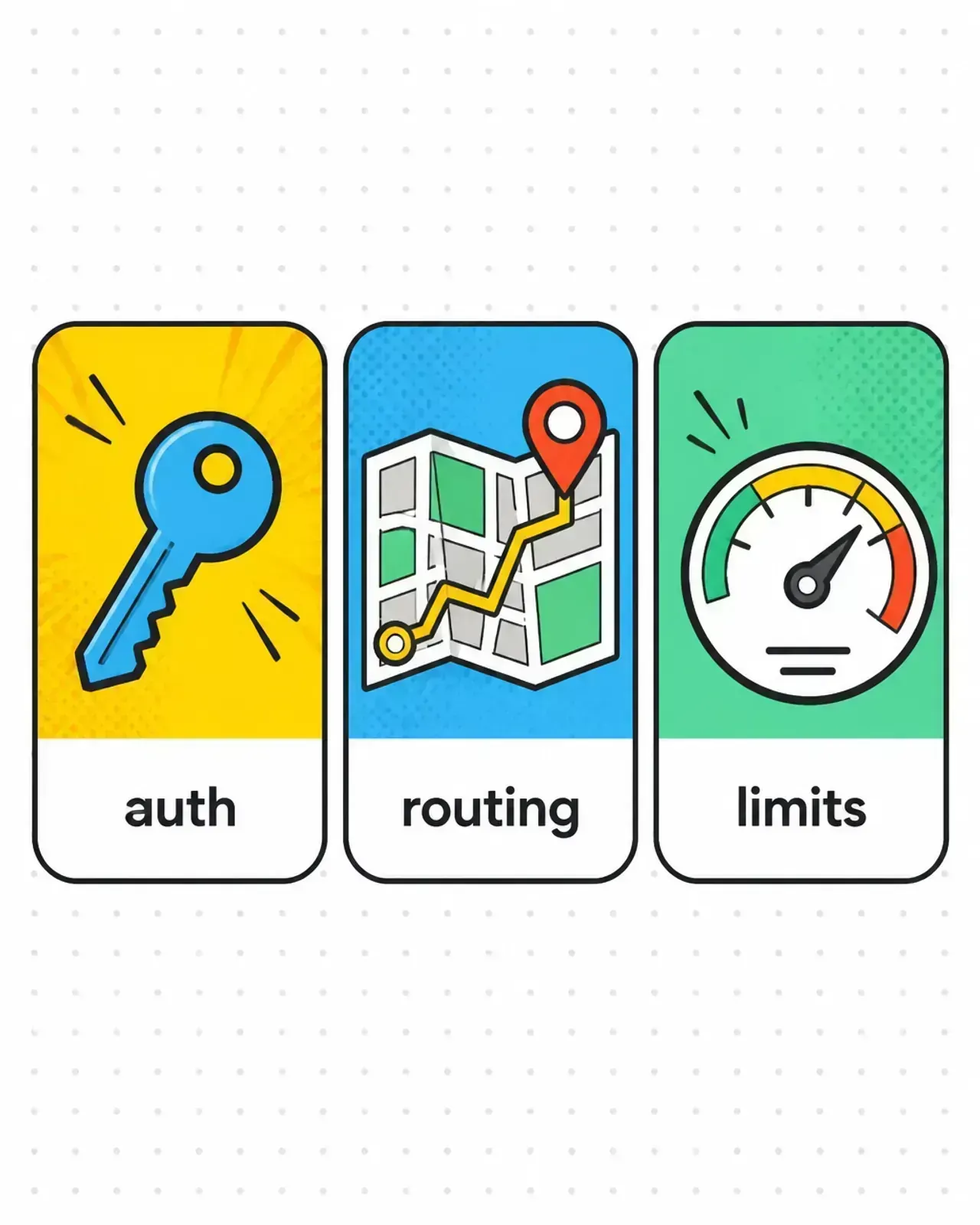
At its core, an API gateway is a reverse proxy that sits between your users and your backend services. But for an AI stack, it does more than just forward traffic. It acts as a centralized brain for auth, routing, and rate limiting. (If the distinction blurs for you, I break it down in load balancer vs API gateway.)
When a request hits your gateway, it goes through a gauntlet of checks before it ever touches a model. This “gatekeeper” ensures that every millisecond of GPU time or every cent of token cost is intentional.
Authentication and tenant isolation
In a typical SaaS, authentication is about knowing who the user is. In an AI-powered SaaS, it is about data sovereignty.
If you are building a RAG system, your biggest risk is cross-tenant data leakage. If you want to avoid common RAG mistakes, you must handle identity at the very edge.
I prefer using JWTs (JSON Web Tokens) with custom claims. When a request hits the gateway, I validate the token and extract the tenant_id. That ID is then injected into the headers of the request before it is passed to the RAG orchestrator.
This means the orchestrator doesn’t have to “guess” who the user is. It receives a verified x-tenant-id header and uses it to apply metadata filters on the vector database. The user only “sees” data they are allowed to see. No tenant ID? No query. Period.
Smart routing for model flexibility
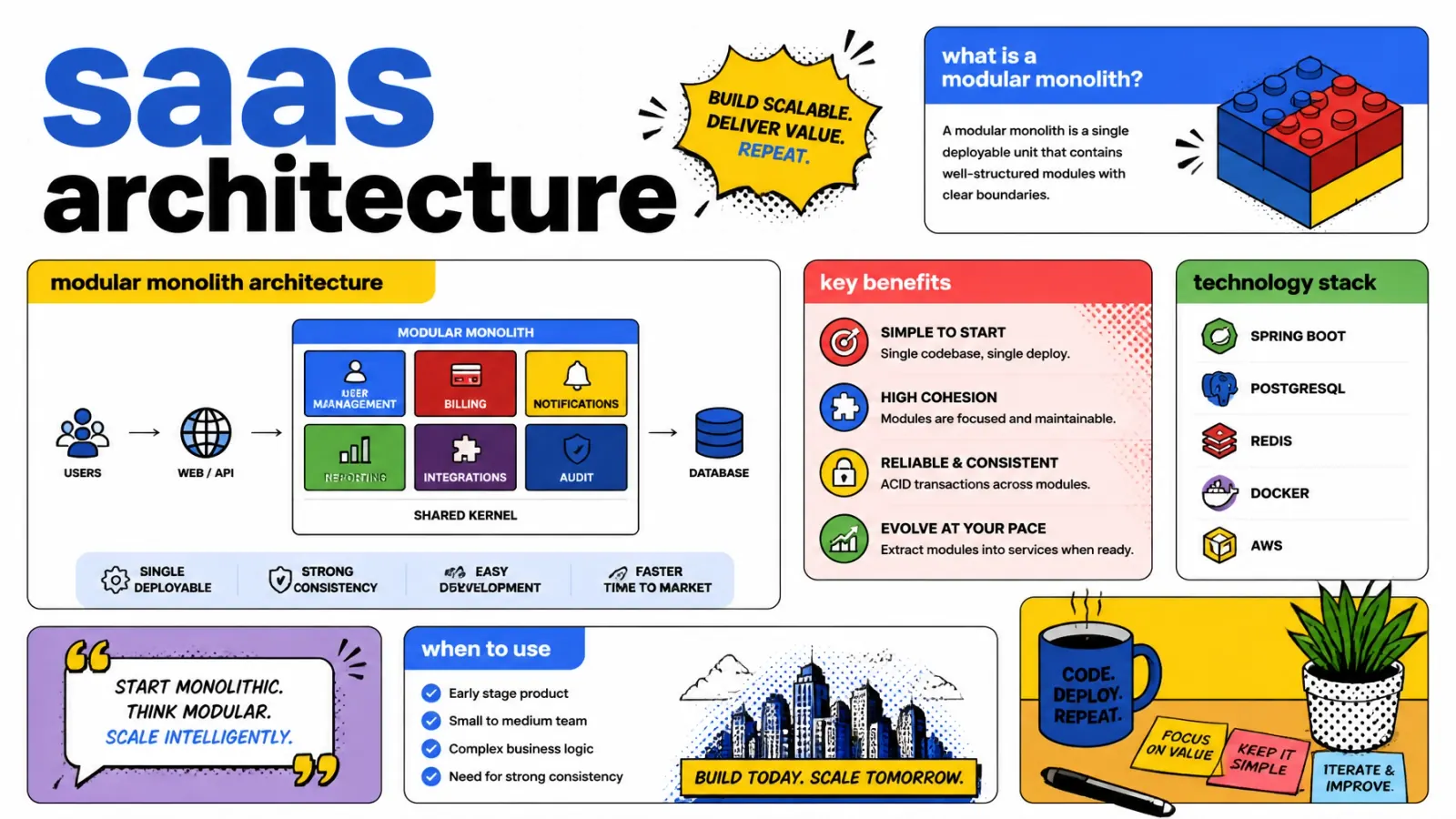
The AI world moves fast. Today you are using GPT-5. Tomorrow, Claude Sonnet 4.6 might be the better play. Next week, you might want to test a fine-tuned Llama 4 model running on your own infrastructure via Docker and Coolify.
If your model logic is hardcoded into your frontend or a single monolithic backend, switching models is a nightmare. An API gateway solves this with smart routing.
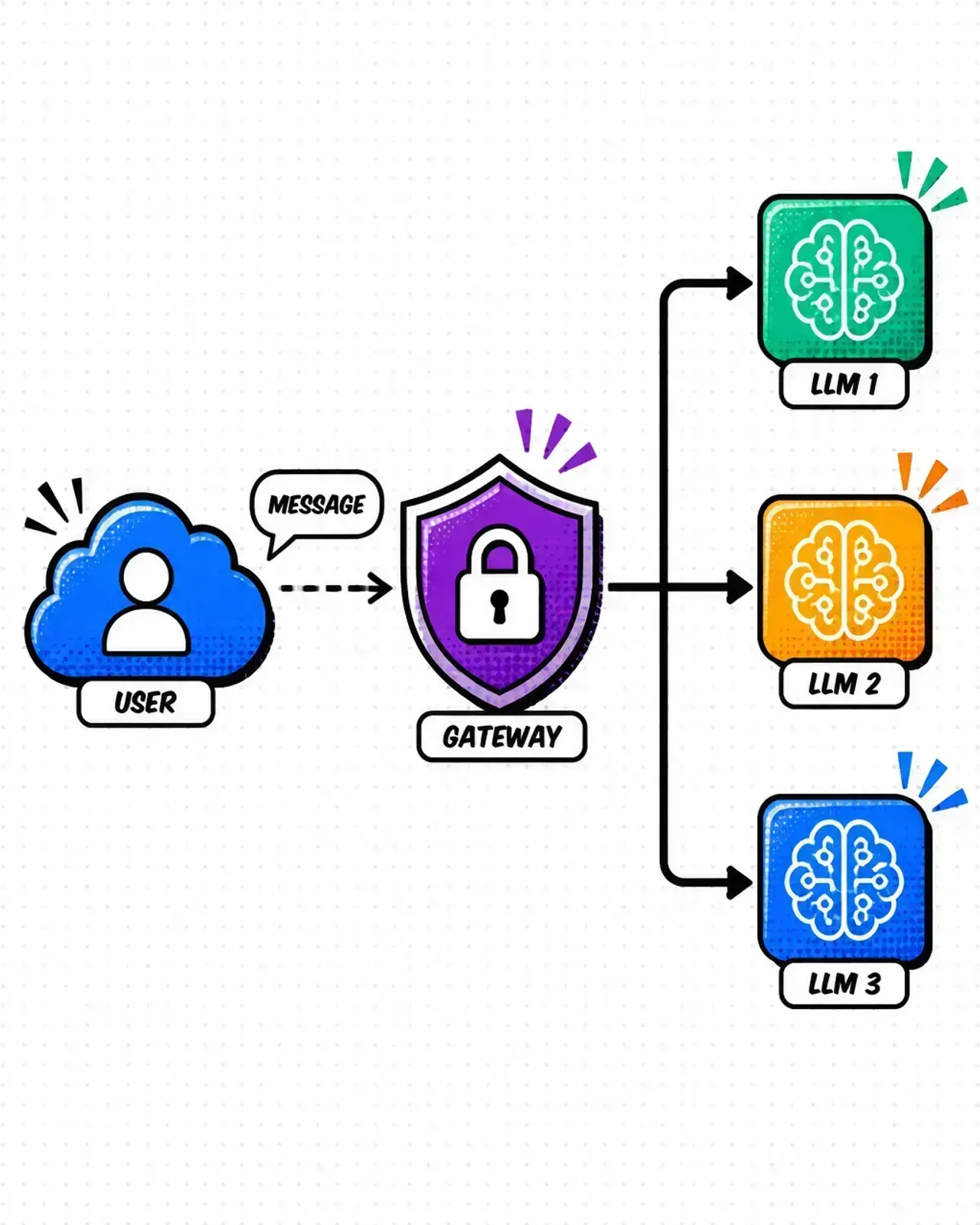
I use the gateway to create “model aliases.” Instead of the frontend calling a specific model, it calls a generic endpoint like /v1/chat/completions. The gateway then decides where to send that request based on:
- User tier — free users get routed to a cheaper, faster model like GPT-5 mini or Claude Haiku 4.5. Pro users get the heavy hitters.
- Versioning — run an A/B test by routing 10% of traffic to a new model version without changing a single line of client-side code.
- Failover — if OpenAI is having an outage, the gateway can automatically reroute traffic to an Anthropic backup.
This level of abstraction is what separates a weekend project from a resilient SaaS product.
Rate limiting: protecting the wallet
We used to rate limit to protect our CPUs. Now, we rate limit to protect our bank accounts.
AI requests are asymmetric. A user sends a 50-word prompt, and the model might generate a 1,000-word response. The cost difference is massive.
A good API gateway implementation allows for tiered rate limiting. Set global limits to prevent your entire system from being overwhelmed, but also set per-tenant or per-user limits.
I usually implement this using Redis. The gateway checks the user’s quota in real time. If they have exceeded their daily token limit or their requests-per-minute (RPM) cap, the gateway returns a 429 Too Many Requests immediately. I go deeper on the token-budget angle in rate limiting to protect your AI wallet.
This saves your backend from doing expensive work that you won’t get paid for. It also stops “noisy neighbors” — one user scripting an automated tool that hogs all your capacity and makes the app slow for everyone else.
Handling the AI-specific quirks
Gateways for AI need to handle two things differently than traditional web apps: streaming and long-running requests.
Streaming support
Most modern AI apps use Server-Sent Events (SSE) to stream responses word by word. Some older gateways or load balancers try to “buffer” the entire response before sending it to the client. This kills the user experience.
Make sure your gateway (whether you are using Kong, Tyk, or a custom Laravel solution) is configured to disable buffering for AI routes. The data should flow through the gateway like water through a pipe, not like a bucket that needs to be filled.
Extended timeouts
Traditional APIs expect a response in 1–2 seconds. A complex RAG query involving multiple vector searches and a large model generation might take 30 seconds or more.
You need to adjust your gateway’s “upstream timeout” settings. Kong defaults to a 60-second upstream timeout, but managed gateways are far stricter — AWS API Gateway integrations default to a 29-second cap, and you can only raise it beyond that on Regional or private REST APIs by requesting a service quota increase (which may cost you some account throttle headroom). Leave those defaults in place and your users will see 504 Gateway Timeout errors even when your models are working perfectly.
Practical steps for your stack
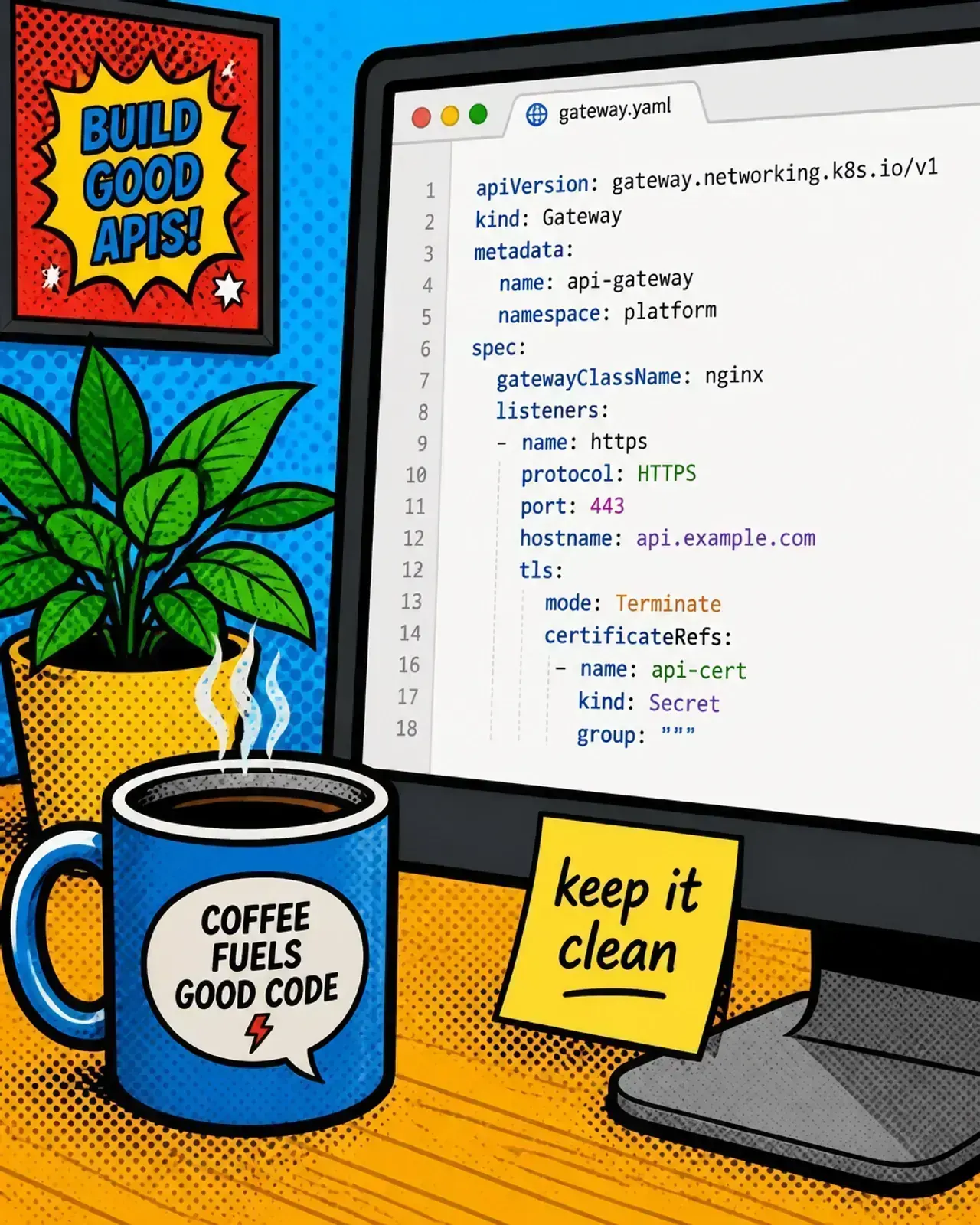
You don’t need a massive team to set this up. Here is how I usually approach it depending on the project size:
- For startups — use a cloud-native gateway like AWS API Gateway or Azure API Management. They are serverless, scale automatically, and integrate directly with Cognito or Entra ID for auth.
- For self-hosters — Kong is the gold standard. It has a great ecosystem of plugins for rate limiting and auth. If you are comfortable with PHP, a thin Laravel app acting as a gateway works surprisingly well for custom logic.
- For Shopify devs — if you are building agentic commerce tools, use the gateway to handle the specific Shopify HMAC validation before passing the request to your AI agents.
Wrapping up
The API gateway isn’t just a piece of infrastructure. It is a design philosophy. It says that your AI logic is too valuable — and too expensive — to be left unprotected.
By centralizing auth, routing, and rate limiting, you make your system more modular. You can swap models, change pricing tiers, and update security policies without touching the core code that makes your AI “smart.”
Are you still letting your frontend talk directly to your LLM providers? If so, what is the one thing stopping you from putting a gateway in front of it?
Stay sharp. — a senior dev
Actionable takeaways
- Centralize auth — never let your RAG orchestrator handle raw user authentication. Do it at the gateway.
- Inject tenant context — use the gateway to verify the user and inject a
tenant_idheader to enforce data isolation. - Implement global + per-user limits — protect your wallet from both malicious attacks and accidental bugs.
- Configure for streaming — ensure your gateway doesn’t buffer responses, or your “typing” effect will break.
- Use model aliases — route to
/chat/proinstead of a specific model name to keep your stack flexible.